
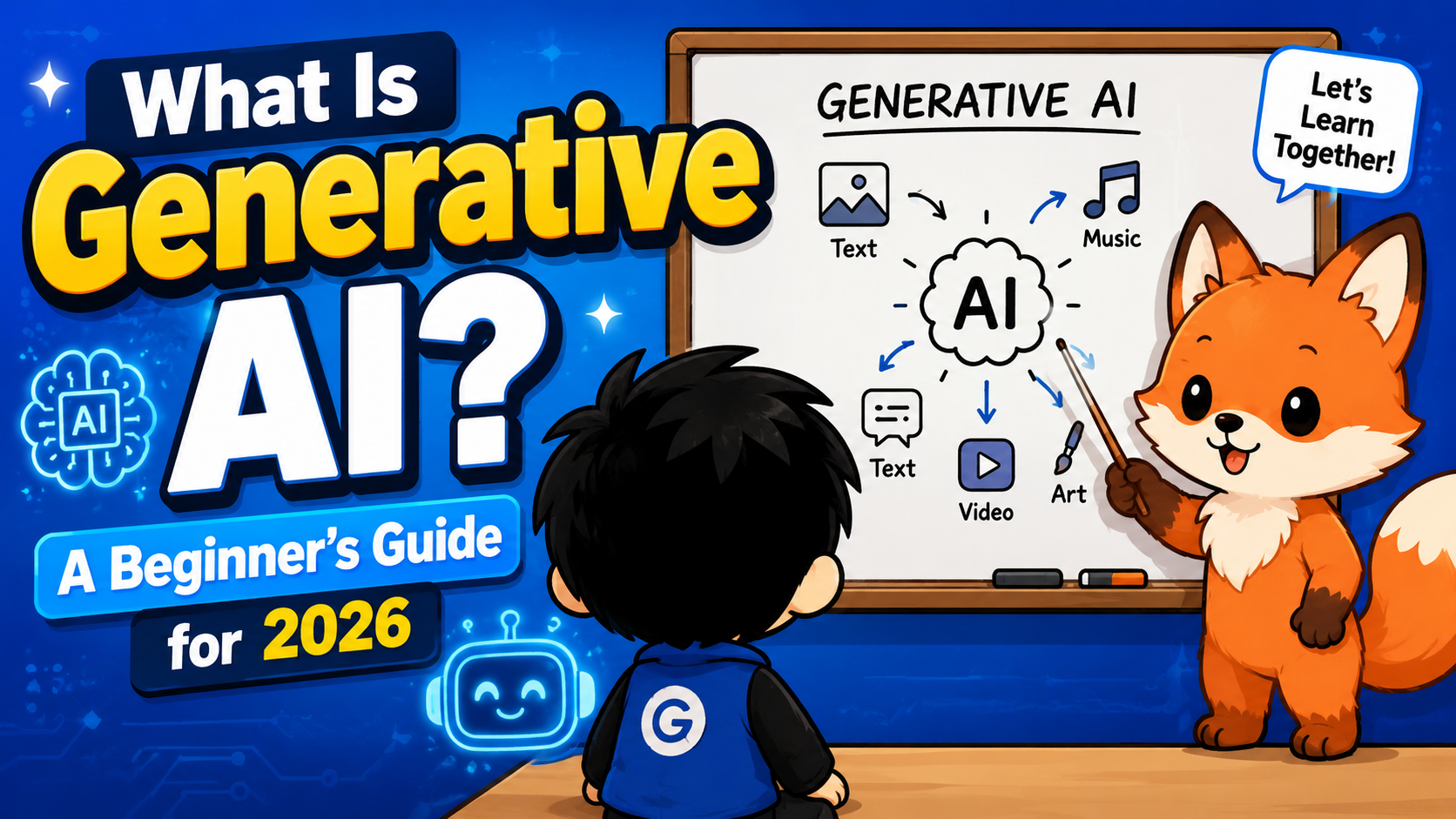
A friend asked me last week why her phone suddenly started writing half her text replies for her. That’s generative AI, I told her, and she just stared at me like I’d said a foreign word. Honestly, that’s fair. The term gets thrown around constantly but rarely explained in a way that actually sticks. So if you’ve nodded along in conversations without really knowing what generative AI means, here’s the breakdown without the jargon.
So What Does Generative AI Actually Mean
Generative AI refers to models that create new content instead of just analyzing or sorting existing content. Older AI systems were mostly built to classify things, like flagging spam emails or recommending a movie based on what you already watched. Generative AI does something different. You give it a prompt and it produces something that didn’t exist before, whether that’s a paragraph of text, an image, a snippet of code, or even a short video clip.
The tools most people already know fall into this category. ChatGPT writes text. Midjourney and DALL-E create images. GitHub Copilot writes code alongside you as you type. They all work off the same basic idea, a model trained on huge amounts of data learns the patterns in that data well enough to generate new examples that follow those same patterns.
I like to explain it to non-techy friends this way: imagine you read ten thousand cookbooks and then someone asks you to write a new recipe. You wouldn’t copy one recipe word for word, you’d blend what you learned about ingredients, structure, and technique into something new. That’s roughly what these models are doing, just with math instead of intuition.
How Generative AI Actually Works Under the Hood
 You don’t need a computer science degree to use these tools, but a rough mental model helps you use them better. Most generative AI today runs on something called a large language model, or LLM for short. These models are trained by feeding them enormous amounts of text, images, or other data, then adjusting billions of internal parameters until the model gets good at predicting what should come next.
For text models, that means predicting the next word in a sentence, over and over, across trillions of examples. It sounds almost too simple to produce something as coherent as a full essay, but at a large enough scale, that next-word prediction turns into something that can hold a conversation, summarize a document, or write working code.
Image models work a bit differently. Many of them use a process called diffusion, where the model starts with random noise and gradually refines it into a coherent image based on your text prompt. It’s a strange thing to picture, but the short version is the model is slowly “cleaning up” static until a picture emerges that matches what you asked for.
None of this means the model actually understands what it’s saying the way a person does. It’s pattern matching at a massive scale. That’s why these tools can sound extremely confident while still getting facts wrong, something worth keeping in mind no matter how polished the output looks.
The Generative AI Tools Worth Knowing in 2026
The landscape has gotten crowded, so here’s a rundown of the tools that actually matter right now, grouped by what they’re good for.
For general writing and conversation, ChatGPT and Claude are the two I reach for most. ChatGPT tends to be the more familiar default for a lot of people, while Claude has built a reputation for longer, more careful responses and handling big documents well. Google’s Gemini is worth a look too, especially if you’re already living inside Google Docs, Sheets, or Gmail, since it’s baked directly into that ecosystem.
For coding, GitHub Copilot remains the most widely adopted assistant, suggesting code as you type inside your editor. Tools like Cursor and Claude Code go a step further and can work across an entire codebase, not just the file you have open, which makes them genuinely useful for bigger projects rather than just autocomplete.
For images, Midjourney still produces some of the most visually striking results if you’re going for something artistic, while DALL-E integrated into ChatGPT is faster for quick, practical images. Canva has also folded AI image generation directly into its design tool, which is handy if you’re already building graphics there.
For research, Perplexity has carved out a niche by pairing AI answers with actual citations, which matters a lot if you’re using it for anything you plan to fact-check or cite yourself. NotebookLM from Google is worth trying too if you want an AI that answers strictly from documents you upload, rather than pulling from general knowledge.
Almost every one of these has a free tier worth testing before you pay for anything. Start there, see which interface actually fits how you work, and only upgrade once you’ve hit a real limitation.
Common Mistakes Beginners Make With These Tools
The single biggest mistake I see, and one I made plenty myself early on, is writing vague prompts and expecting sharp results. Typing “write me a blog post about marketing” gets you something generic and forgettable. Typing “write a 600 word blog post for small ecommerce store owners about three low cost ways to get their first 100 customers, casual tone, include specific examples” gets you something you can actually use. The model isn’t reading your mind, it’s working from exactly what you gave it.
Another common trap is trusting the output blindly. These models can state something false with the same confident tone they use for something true, a behavior often called hallucination. I’ve had a model give me a fake statistic dressed up to look completely legitimate, complete with a plausible-sounding source. Always double check anything that matters, especially numbers, dates, names, or anything you’re going to publish or act on.
People also tend to underuse follow-up prompts. A first response from these tools is rarely the final answer. Treat it like a conversation, tell it what’s wrong or what you want adjusted, and the second or third version is usually far better than the first.
Lastly, a lot of beginners jump straight to the most advanced or expensive tool without figuring out what they actually need it for. Start with a free tool and a specific, small task, like drafting one email or generating one image, before building a whole workflow around AI.
Getting Started Without Overthinking It
 If you’re brand new to this, don’t try to learn everything at once. Pick one tool, ChatGPT or Claude are both solid starting points since they’re free to try and handle a wide range of tasks, and give yourself one real task to solve with it this week. Draft an email you’ve been putting off, summarize a long article you don’t have time to read, or ask it to explain something you never fully understood in school.
Once that feels comfortable, branch into whichever category matches what you actually do. If you write for work, spend time learning how to prompt for tone and structure. If you design, try an image tool on a real project instead of just messing around. If you code, install Copilot or try Cursor on something small before trusting it with anything critical.
Generative AI in 2026 isn’t some far off future technology anymore, it’s a set of tools sitting right there waiting to save you time, if you take a bit of time upfront to learn how to actually use them well. I went from typing random prompts just to see what would happen to using these tools daily for actual work, and that shift happened faster than I expected once I stopped treating it like a novelty and started treating it like any other skill worth practicing.